A fitness app
built around
daily progress.
An app for tracking workouts, activity, routines, and health metrics, built to help people stay consistent and actually see results.
Track. Improve. Repeat.
Log workouts, monitor activity,
and stay consistent.
Built for real progress.
Smart insights and visual goals
to keep you moving forward.


Turning fitness
data into daily
motivation.
An app that tracks workouts, activity, and health metrics, and turns all that data into something clear you can act on.
Active individuals and fitness enthusiasts looking to build healthy, consistent habits.
Most fitness apps bury you in numbers and scattered charts, with little that actually fits you, so staying consistent is hard.
- Data is hard to understand
- Lack of daily motivation
- Generic plans don't fit everyone
- Progress feels unclear
So I built it to do one thing well: turn a pile of numbers into a single clear next step, and a reason to open the app again tomorrow.
- Clear daily goals and progress
- Smart insights and trends
- Personalized workouts and plans
- Motivating streaks and rewards
Analyzed user needs, market trends, and competitor experiences.
Identified key pain points and defined goals, flows, and success metrics.
Created wireframes, UI, and interactive prototypes focused on clarity.
Tested with real users and iterated until it felt smoother and more motivating.
Understanding habits
before shaping the product.
We started by digging into how people actually behave: what motivates them,
where they get stuck. That told us who we were building for and how to map an
experience that keeps people coming back.
Alex Turner
A busy professional who wants to stay fit, manage stress, and build a consistent routine without spending hours at the gym.
- Build strength and improve endurance
- Stay consistent with short workouts
- Track progress and see results
- Unpredictable work schedule
- Lack of time for long workouts
- Forgets to track and review progress
- Looks for quick, effective workouts
- Loves visual progress and streaks
- Wants a plan that adapts to him
Maya Singh
She's getting back into fitness post-pregnancy and wants a balanced routine that fits her energy and lifestyle.
- Improve strength and overall wellness
- Find workouts that fit her schedule
- Stay motivated and stress-free
- Low energy and inconsistent routine
- Overwhelmed by too many choices
- Needs guidance and variety
- Enjoys structured, guided plans
- Appreciates encouragement and insights
- Wants to feel strong and confident
is the key
45 mins win
leads to drop-off
The user flow lays out how someone moves through the product, every step from the first screen to the last.
From low-fidelity structure
to a usable visual system.
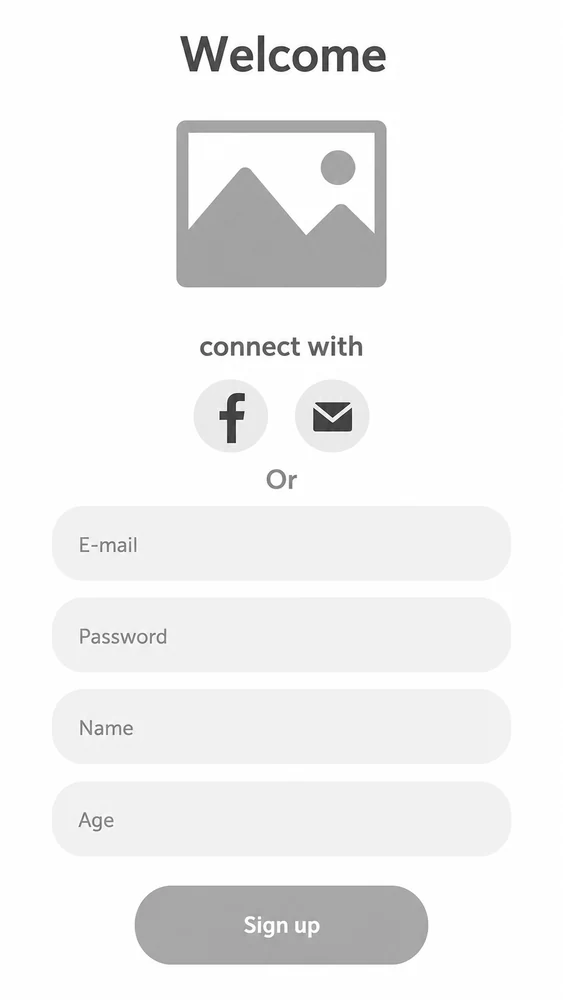
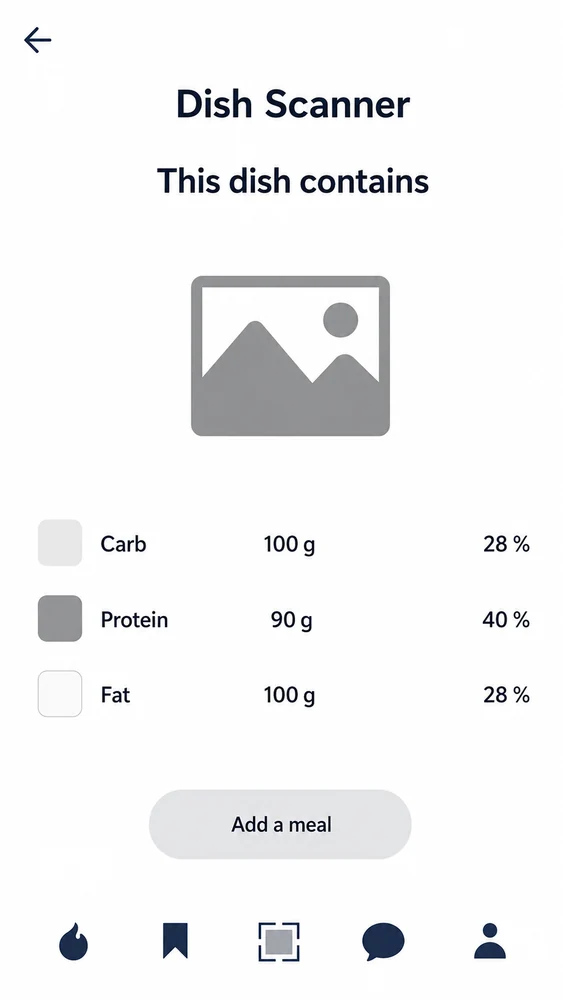
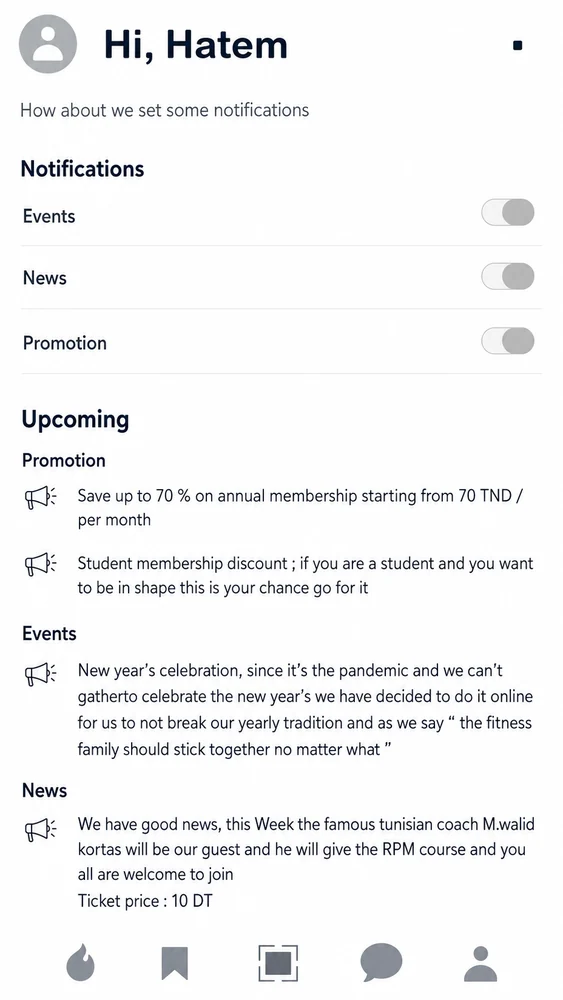
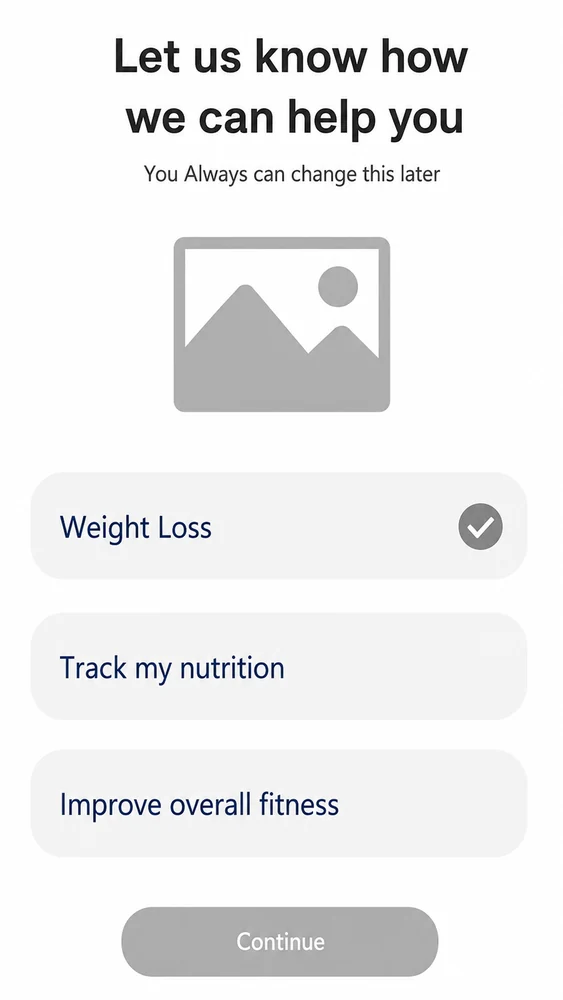
We started with the user flows and wireframes, then built a consistent design language that holds up across features and screen sizes.
Style Guide
What I care about is balancing how something looks with whether it actually means something. Color, type, every pixel feeds into how the user connects with the app.






The product
brought to life.
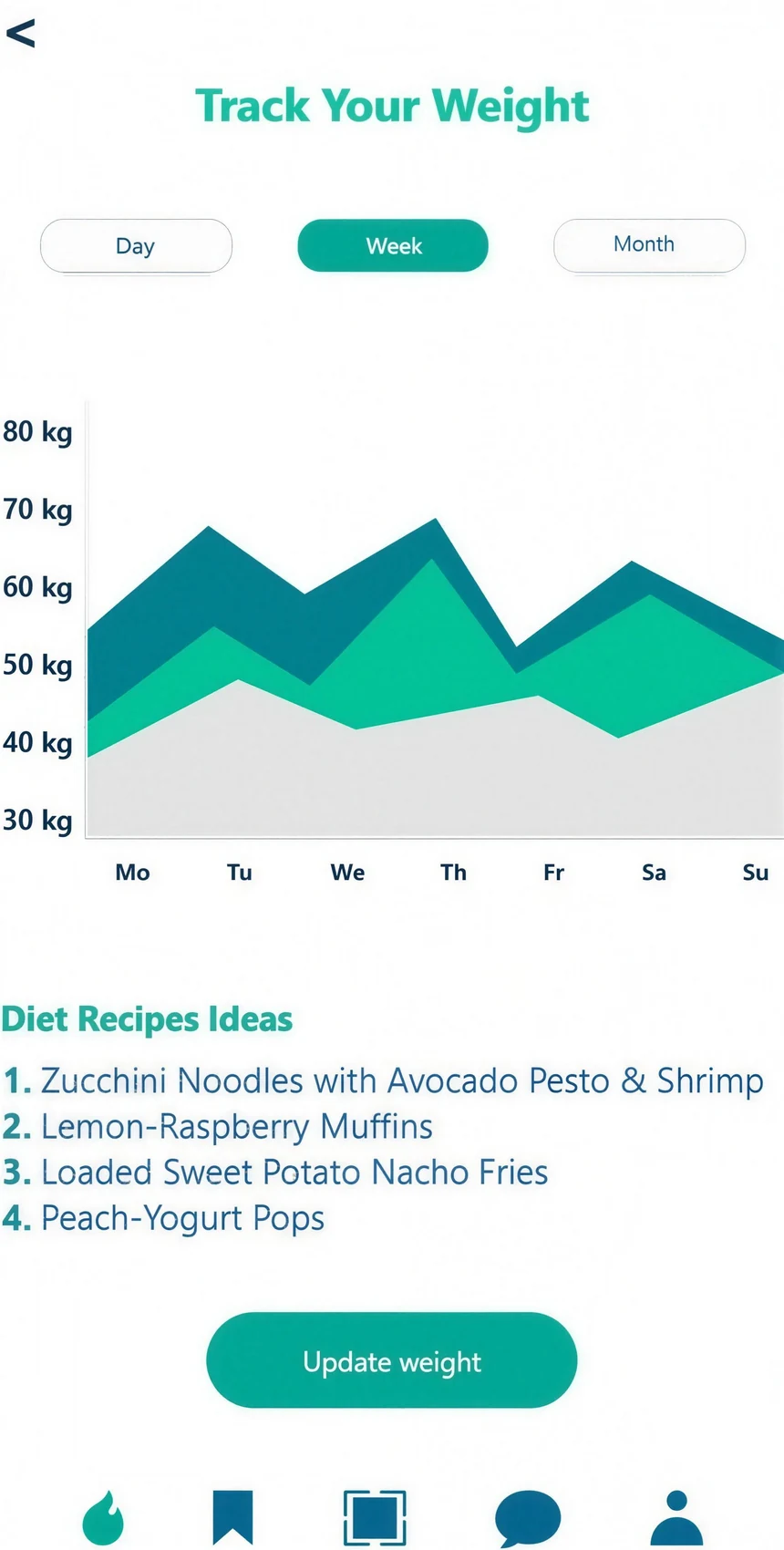
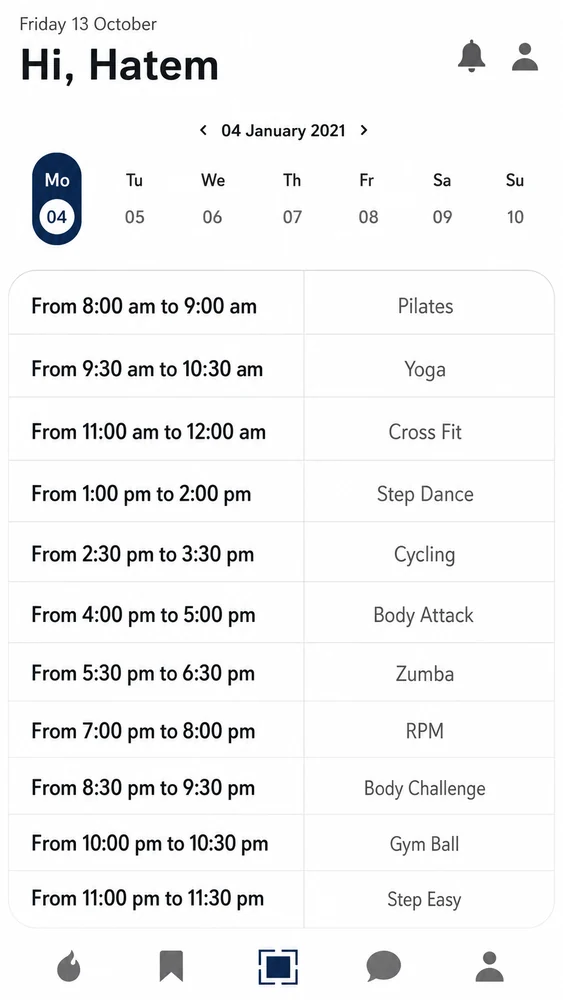
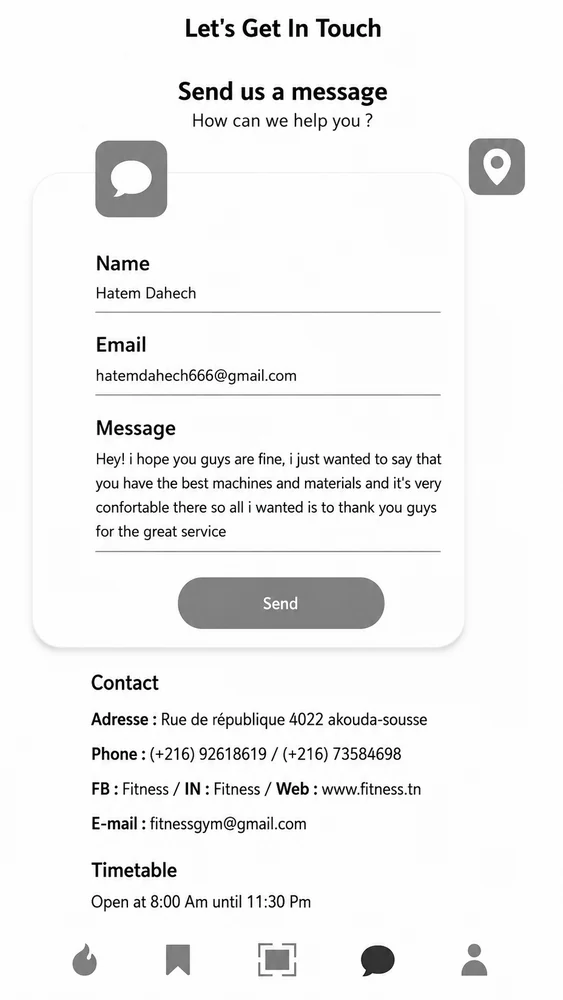
Scroll across to take a closer look at the most important application screens, one flow at a time.
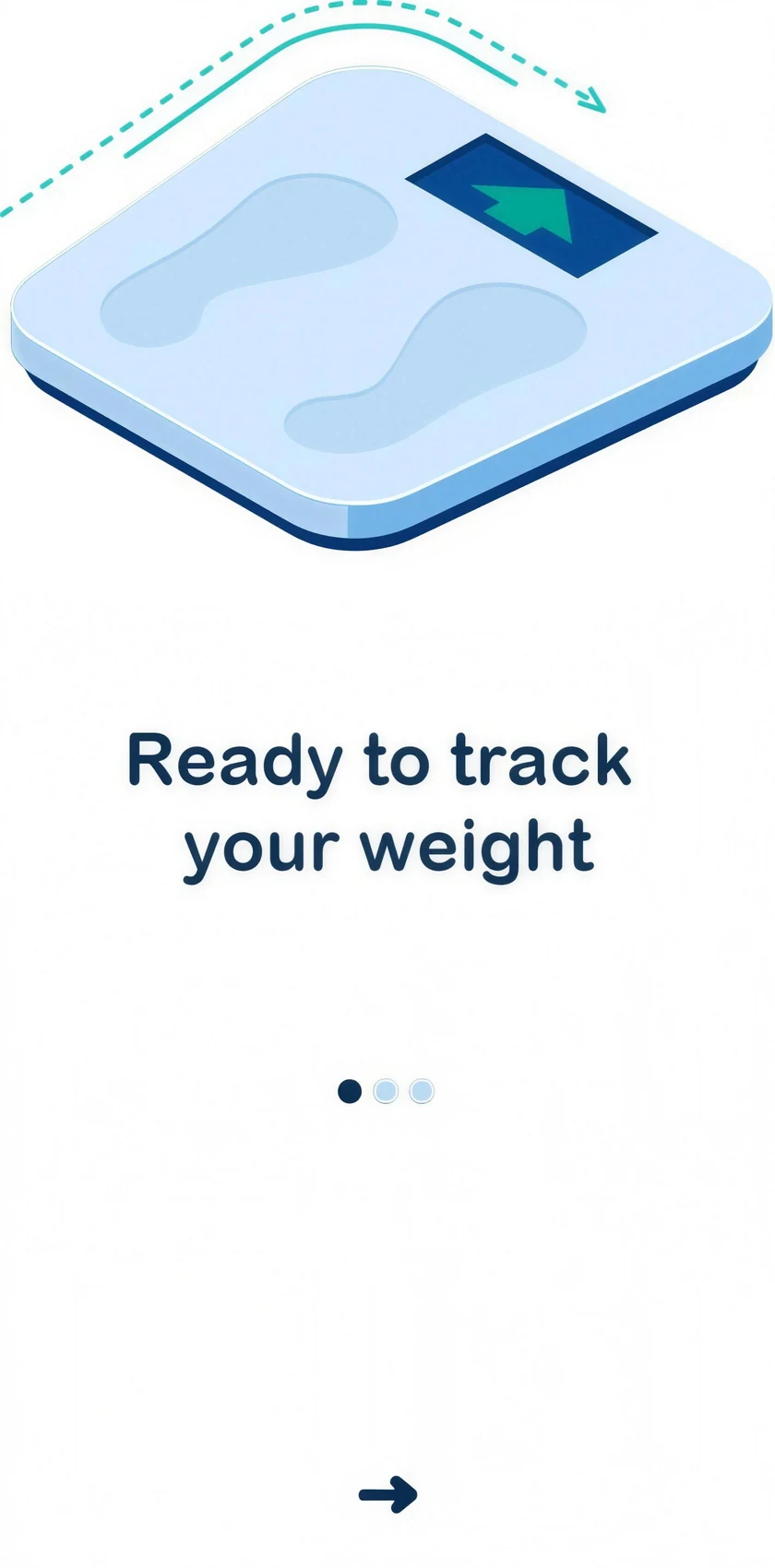
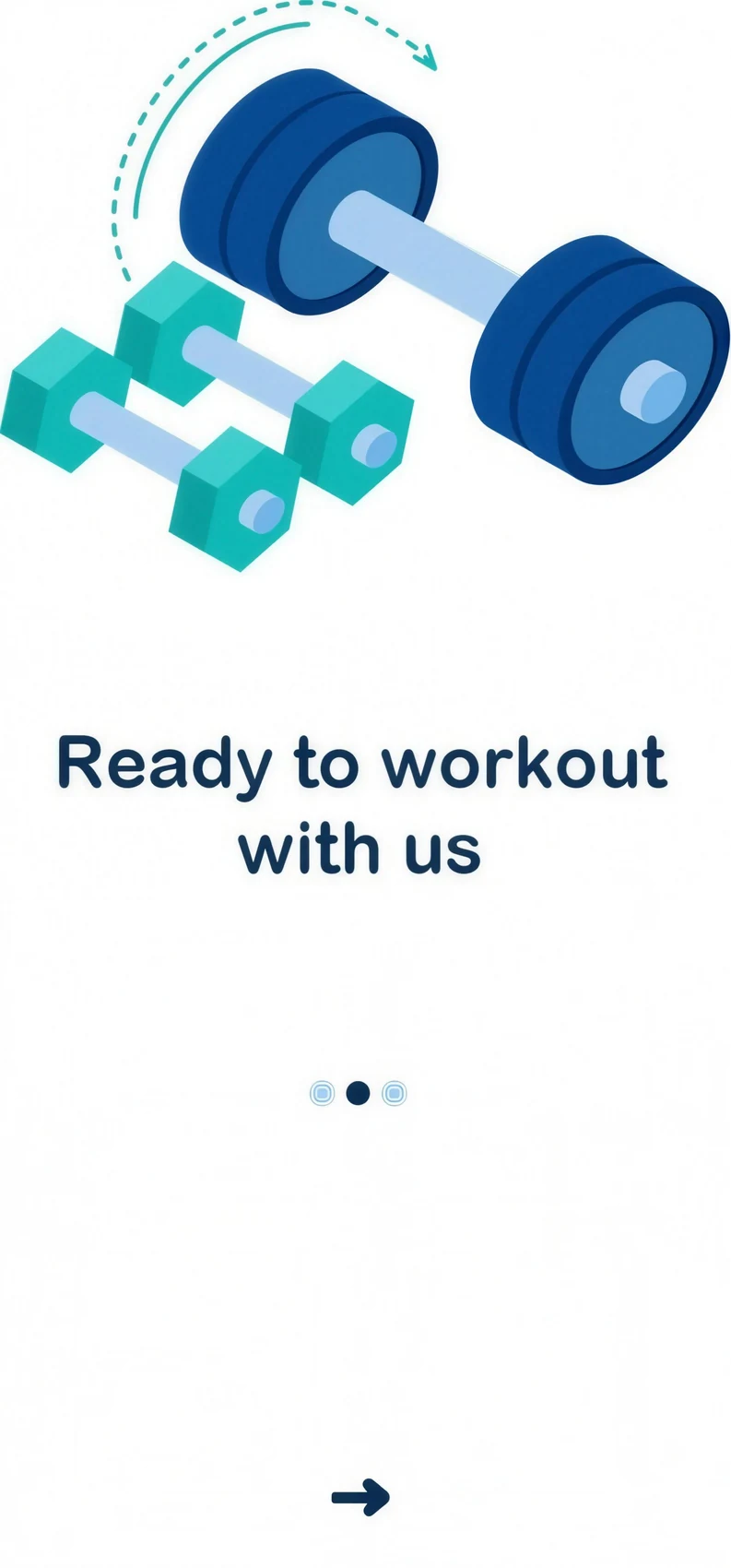
Onboarding
The first time someone opens the app, we walk them through what it does and how to use it.
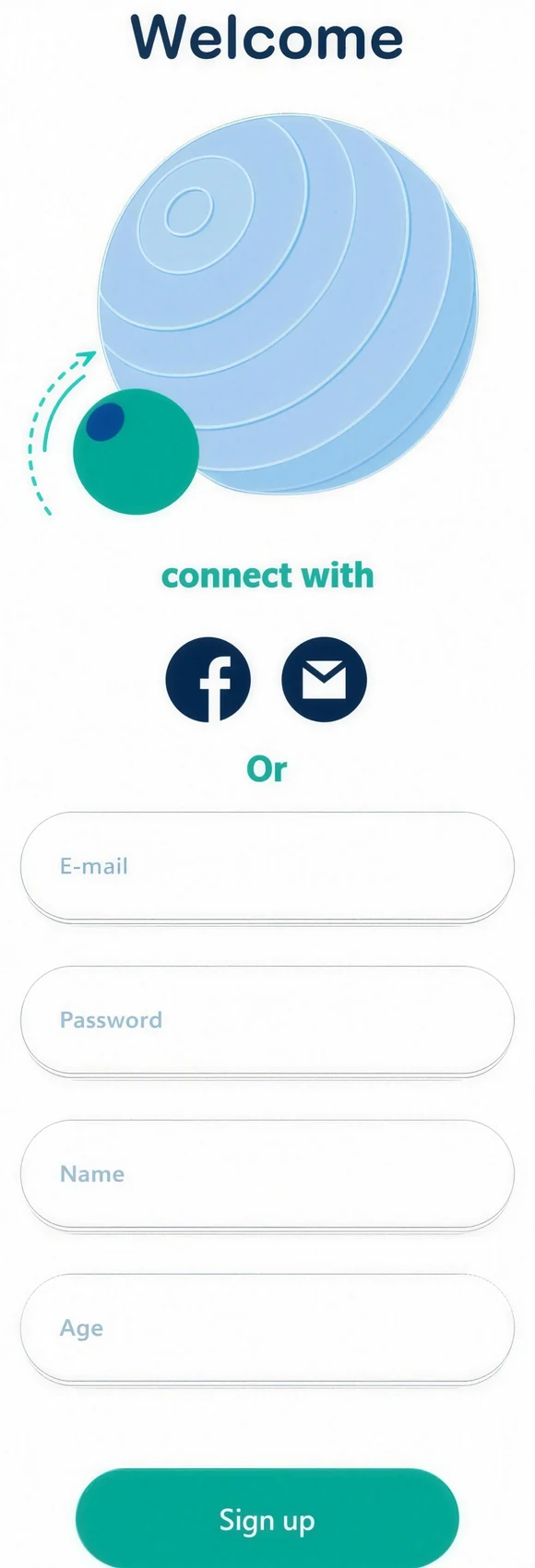
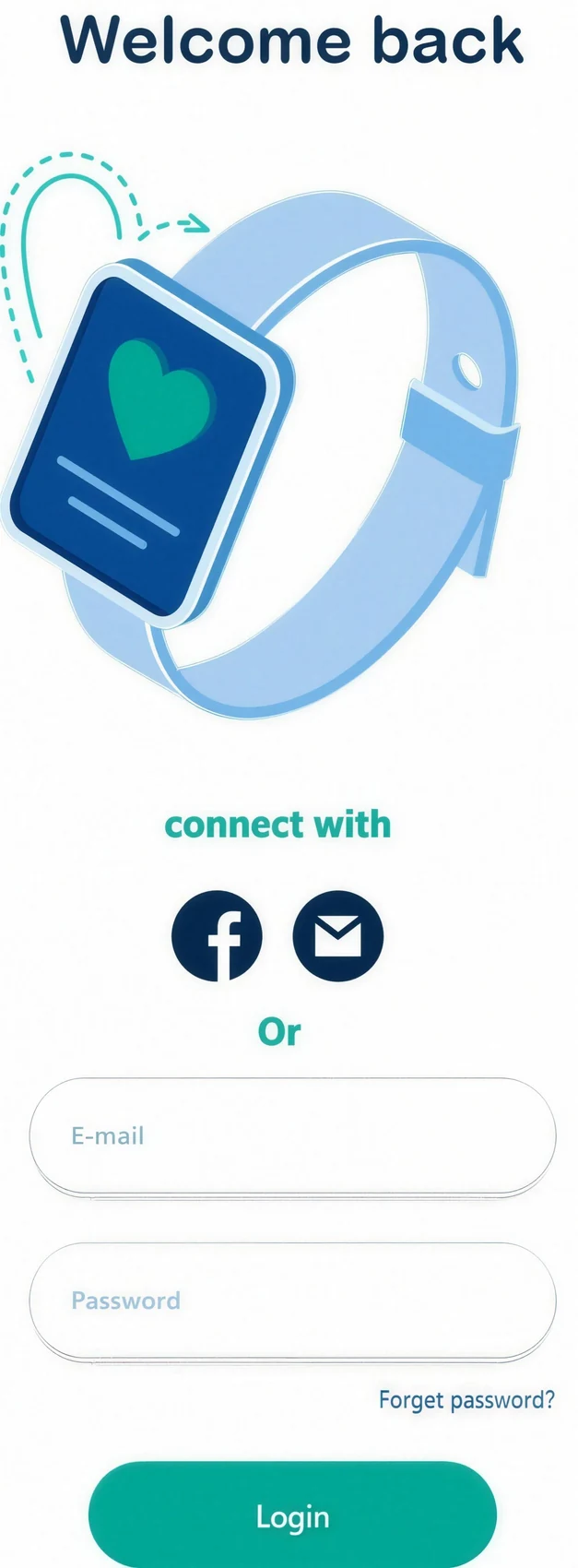
Sign In & Registration
Signing in or creating an account is quick, so people can get into the app without any friction.
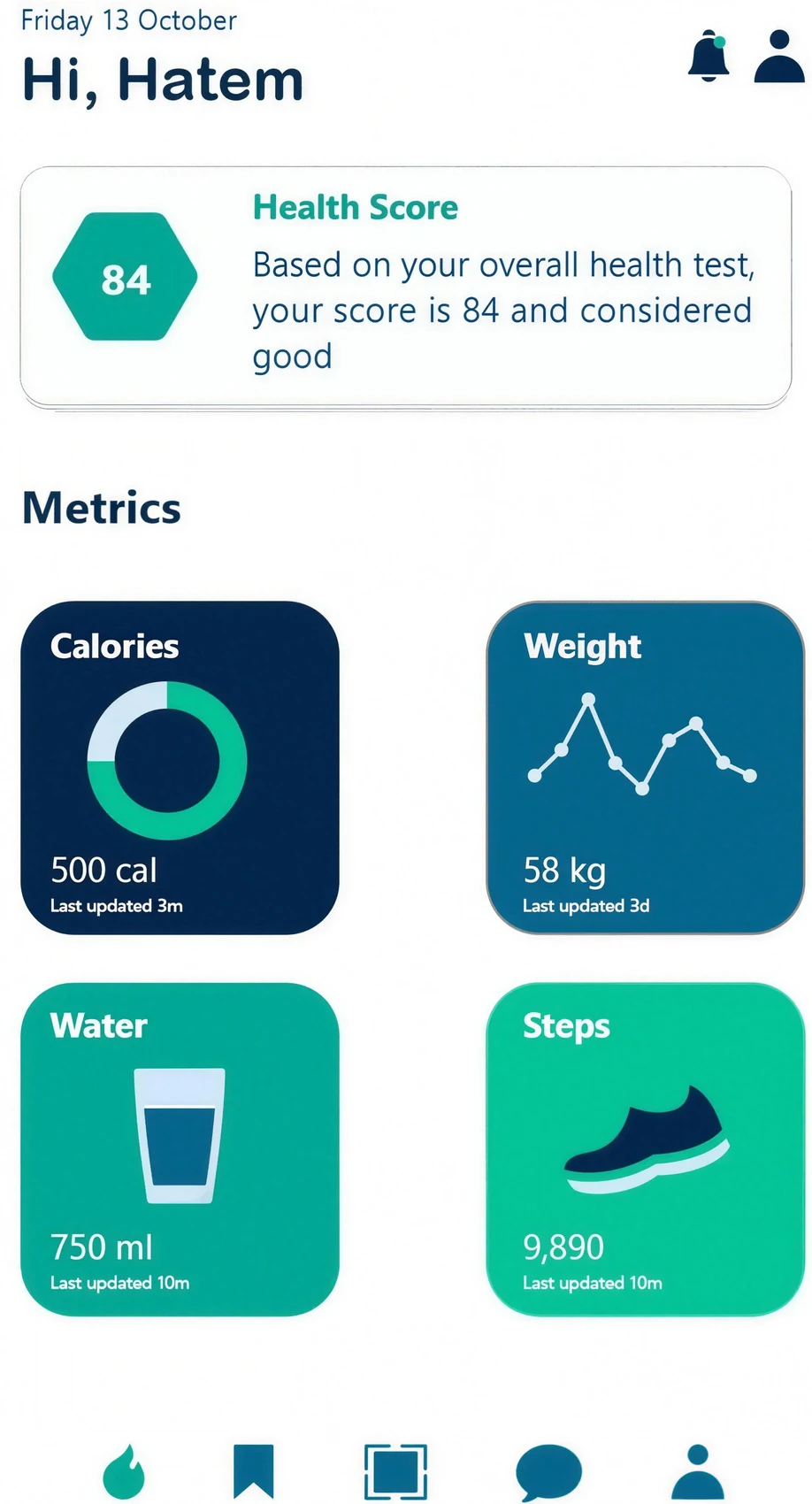
Home Screen
The home screen is the main page. It shows the key categories, and the icon on the right opens a quick menu.